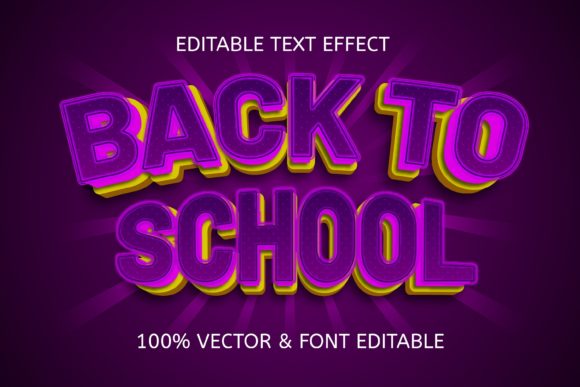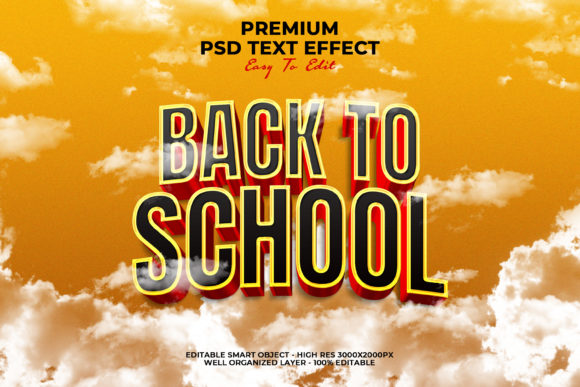
Back to School Text Style Effect: A Versatile Design Tool for Creators and Marketers
Every creative professional knows the challenge of producing fresh, seasonal visuals without starting from scratch each time. Whether you are designing a poster, a social media cover, or a cinematic title, the typography can make or break the entire composition. The Back to School Text Style Effect offers a practical, time-saving solution that combines aesthetic appeal with ease of use. This article explores what this design resource offers, how it works, and why it might become a staple in your creative toolkit.
What Is the Back to School Text Style Effect?
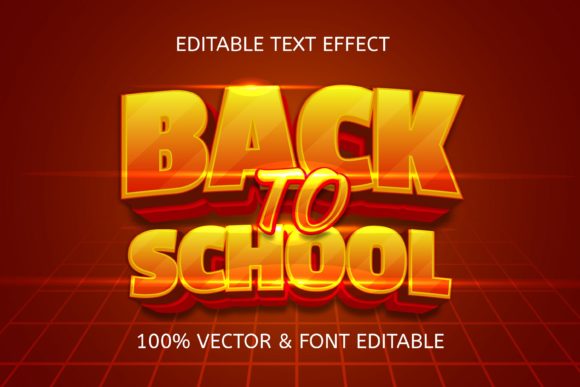
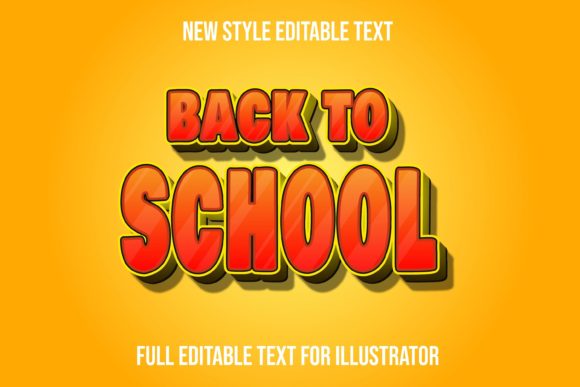
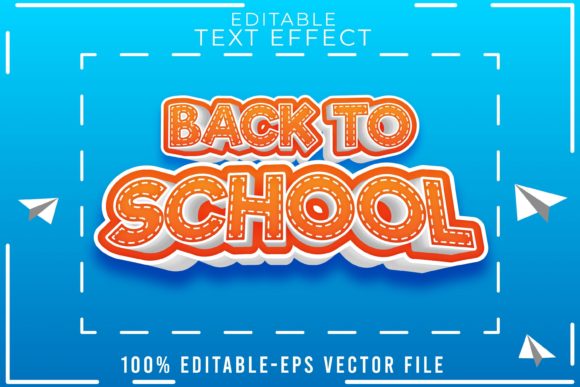
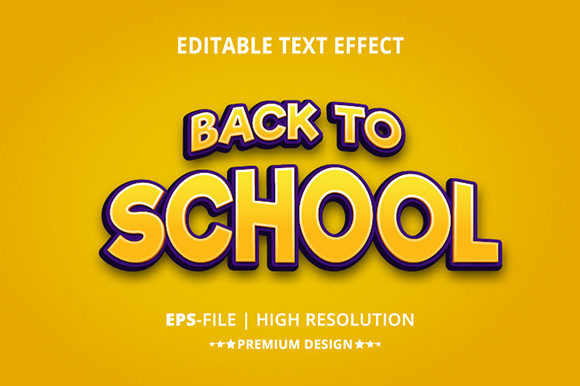
At its core, the Back to School Text Style Effect is a Photoshop PSD file built around smart objects. This means you can replace placeholder text with your own content in just a few clicks, while the layer styles—shadows, gradients, textures, and highlights—remain intact. The result is a polished, professional typographic treatment that evokes the energy and nostalgia of the back-to-school season.
The file comes with well-organized layers and is labeled as 100% editable. Designed for both beginners and seasoned designers, it removes the need to manually recreate complex layer effects. Instead, you focus on the message, while the styling does the heavy lifting.
Who Benefits from This Resource?
This text style effect is not limited to a single type of user. Its versatility makes it valuable across several groups:
- Graphic designers and freelancers looking to speed up client projects without sacrificing quality.
- Small business owners and marketers who need eye-catching visuals for seasonal promotions, but lack deep design skills.
- Content creators and social media managers who produce regular posts for platforms like Facebook, YouTube, and Instagram.
- Educators and school administrators creating event flyers, banners, or newsletters for the academic year.
- Hobbyists and DIY enthusiasts who enjoy crafting personalized designs for personal or community use.
If you have ever spent hours tweaking layer styles just to get a headline to pop, this resource is designed to give you back that time while delivering consistent results.
Key Features That Set It Apart
Understanding the features of the Back to School Text Style Effect helps you evaluate whether it fits your workflow. Here are the standout characteristics:
Smart Object Workflow
The entire design is built around smart objects. Double-click the smart object layer, paste your text, save, and the effect is applied automatically. This non-destructive method means you can experiment freely without risking the original layer styles.
Fully Editable Layers
Every layer is labeled and organized into groups. Colors, shadows, gradients, and overlays can be adjusted individually. You are not locked into a single look—if you prefer a softer shadow or a brighter highlight, you can make those changes in seconds.
100% Scalable
Because the file uses vector-based shapes and smart objects, you can scale your final design up or down without losing quality. This makes it suitable for both web banners and large printed posters.
Multiple Application Formats
The same text style can be used across different formats, including:
- Facebook covers and profile images
- YouTube channel art and video thumbnails
- Website banners and hero sections
- Cinematic titles and movie posters
- Flyers, brochures, and promotional materials
This adaptability means you can maintain brand consistency across channels without recreating the style each time.
Real-World Applications and Scenarios
To better understand how this effect works in practice, consider a few realistic scenarios:
- A school event flyer. A PTA member needs to create a flyer for the annual back-to-school night. Using the text style, they can type "Welcome Back, Students!" into the smart object and have a ready-to-print flyer in under ten minutes.
- A seasonal social media campaign. A marketing coordinator for a retail brand wants to run a "Back to School Sale" across Facebook and Instagram. The effect ensures all posts share a cohesive, polished look without the need for a full design department.
- A YouTube channel update. A creator launching a series of educational videos uses the text style for their video titles and channel banner. The cinematic feel helps the content appear more professional and engaging.
- A freelance gig. A designer is hired to produce a series of posters for a local library's reading program. The text style effect reduces turnaround time and allows them to focus on layout and imagery instead of typography details.
In each case, the value comes from speed, consistency, and professional quality—even for users with limited design experience.
Strengths of Using a Pre-Made Text Style Effect
While some designers prefer building effects from scratch, there are clear advantages to using a ready-made PSD file:
- Time efficiency: Complex layer styles that might take 30–60 minutes to build are already done.
- Low learning curve: Anyone with basic Photoshop knowledge can use smart objects.
- Consistent branding: Apply the same text treatment across multiple assets to maintain visual harmony.
- Creative flexibility: The organized layers allow customization without starting over.
- Cost-effective: A single file can be reused indefinitely for different projects.
Considerations and Limitations
No design resource is perfect for every situation. Before you commit to the Back to School Text Style Effect, keep the following points in mind:
Photoshop Dependency
This file is a PSD file and requires Adobe Photoshop to edit. If you use other software like GIMP, Affinity Photo, or Canva, you may need to convert the file or find an alternative solution.
Themed Aesthetic
The style is explicitly designed around a back-to-school theme. While the colors and effects can be modified, the underlying character—pencils, chalkboards, crayons, or notebook textures—may not fit every brand or project. Evaluate whether the aesthetic aligns with your message before purchasing or downloading.
Learning Curve for Advanced Edits
Although basic edits are simple, making deeper changes—such as replacing textures or modifying complex layer masks—may require intermediate Photoshop skills. Most users will not need these adjustments, but it is worth noting for those who want full control.
No Substitution for Originality
If your brand requires a completely unique typographic identity, a pre-made effect may not be the right choice. It is best used as a starting point or for projects where speed matters more than exclusivity.
How to Evaluate If This Effect Suits Your Needs
Before investing time or money, ask yourself these questions:
- What is my primary use case? If you need a seasonal poster or social campaign, this effect is ideal. For a permanent brand logo, custom typography might be better.
- What is my skill level? If you can open Photoshop and double-click a layer, you can use this file. No advanced expertise is required.
- How much customization do I need? If you plan to heavily modify colors, textures, and shadows, the organized layer structure makes that possible. If you need to replace the entire texture set, be prepared for some manual work.
- Do I need to reuse the style? The more you use the same effect across different projects, the more value you get from a single purchase.
Practical Tips for Getting the Most Out of the File
Once you have the Back to School Text Style Effect, here are a few ways to maximize its potential:
- Start with the smart object. Always make your text edits inside the smart object layer. This preserves the effect and allows you to revert changes easily.
- Experiment with background colors. The text style works best on backgrounds that contrast well with the highlights and shadows. Test a few options to see what pops.
- Pair with complementary imagery. Use backpacks, books, apples, or chalkboard textures in the background to reinforce the theme.
- Save your variations. Once you create a version you like, save a copy as a new PSD. This gives you a library of pre-styled text for future use.
- Adjust layer opacity for subtlety. If the effect feels too bold, lower the opacity of the overlay or highlight layers to tone it down.
Why Smart Objects Make a Difference
The smart object feature is not just a convenience—it is a game-changer for anyone who values a non-destructive workflow. In traditional editing, applying multiple layer effects and then changing the text often forces you to restart the styling process. Smart objects encapsulate the content, so the effects remain applied even when the text changes. This also means you can swap in different words or phrases without worrying about misalignment or broken styles.
For businesses that update their banners seasonally or for creators who publish frequently, this workflow eliminates repetitive work. You simply open the smart object, type new text, save, and the final design updates instantly.
Final Thoughts
The Back to School Text Style Effect offers a practical balance between professional quality and ease of use. It is not a replacement for original design thinking, but it is a reliable shortcut for producing consistent, attractive typography under time constraints. Whether you are a marketer preparing a campaign, a designer juggling multiple clients, or a teacher organizing an event, this resource can help you deliver polished visuals without the usual overhead.
As with any design asset, the key is to understand its strengths and limitations. Use it for what it does best: delivering a ready-made, editable text style that saves time and maintains visual appeal. And when the school bells ring and the posters need to go up, you will be glad to have this effect in your folder.